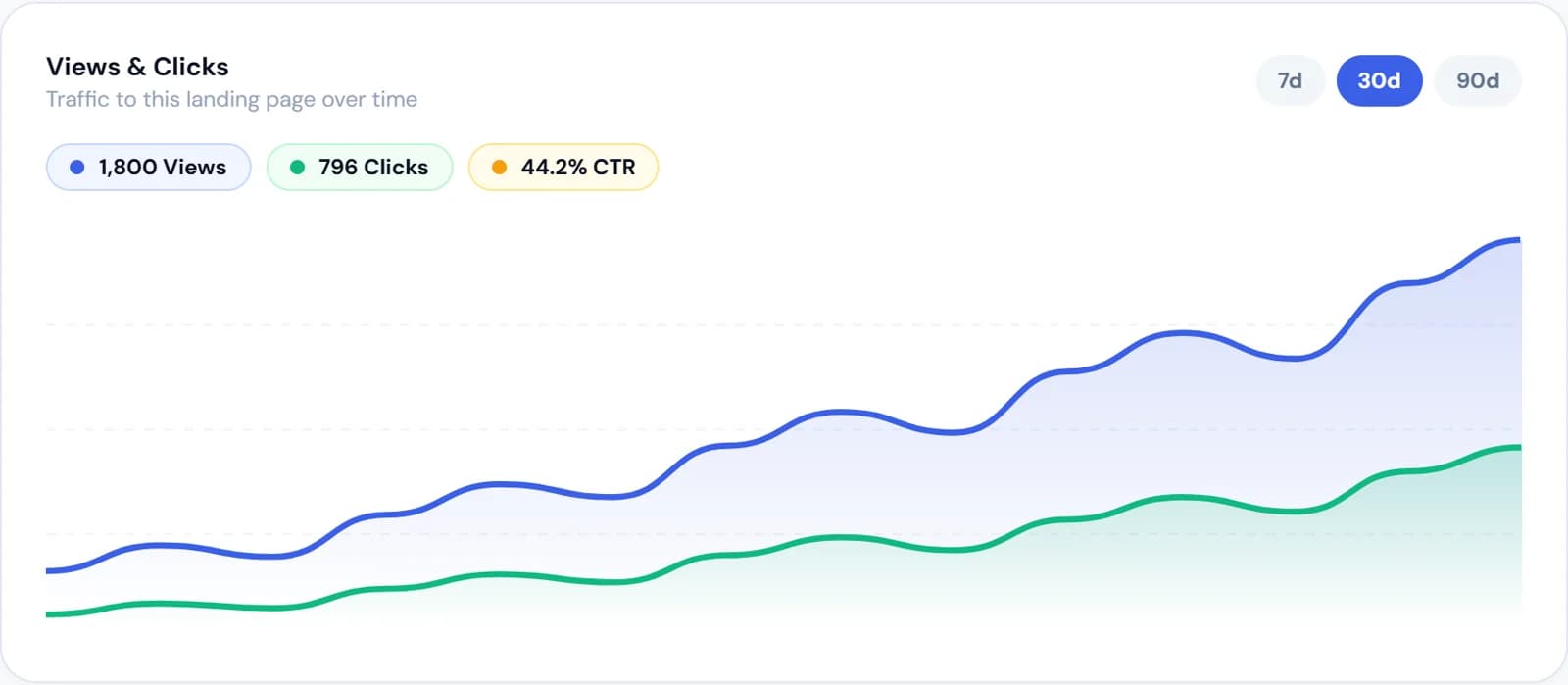
Facebook Ads for Music
Promote a song or a gig with Facebook ads
Facebook ads for music reach people who often pay for streaming, buy tickets and stay with an artist for years. This page covers what is different on Facebook: who is there, the video shapes it uses, ads for gigs, and ads for people who already saw you.
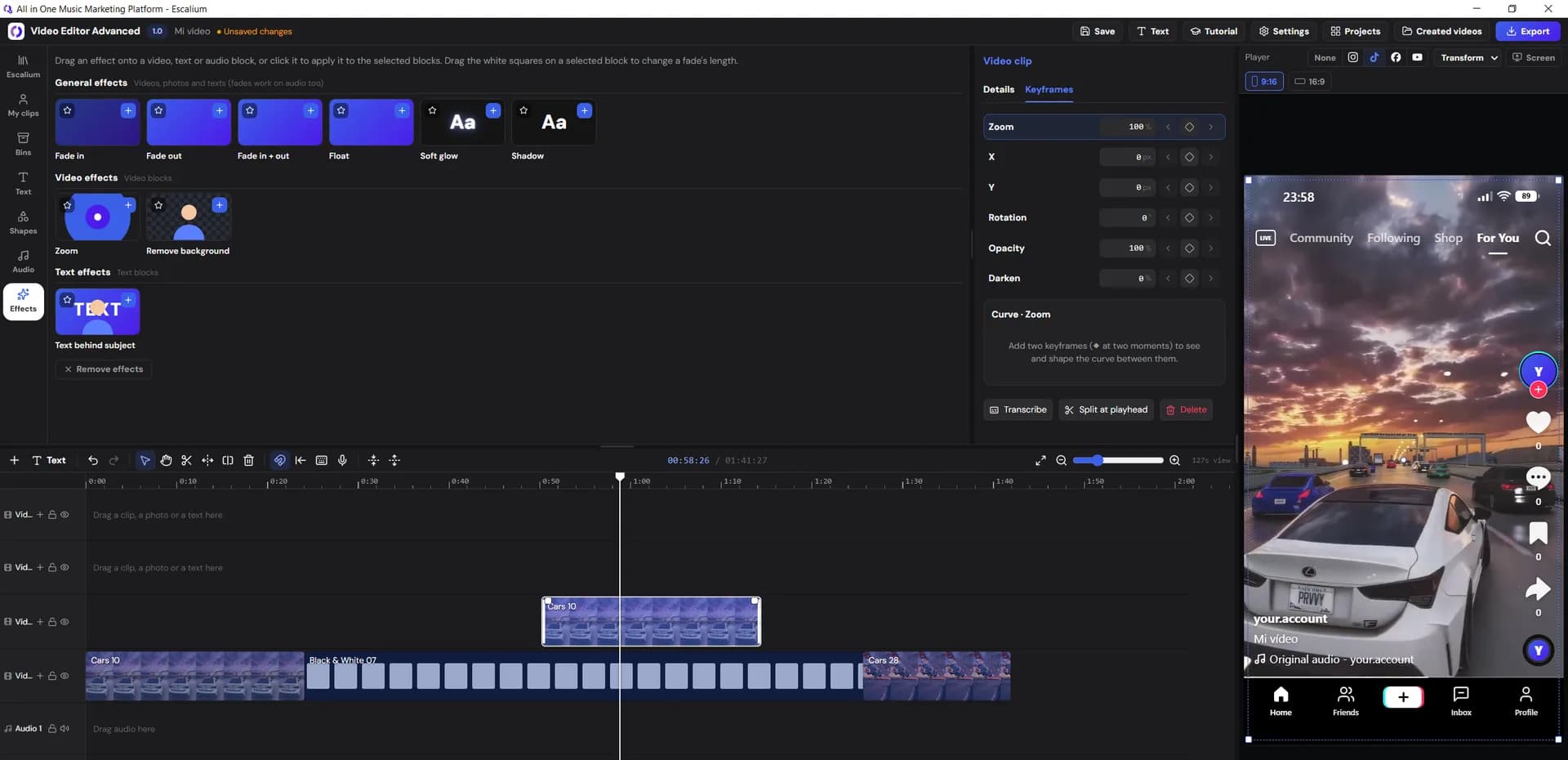
- 4:5 Feed
- 9:16 Reels & Stories
- 16:9 In-stream
- 1:1 Square
Who is on Facebook
Who you reach with Facebook ads
Facebook and Instagram use the same Meta ad system. But the people on each app are different, and so are their habits. These are the reasons artists still use Facebook.
Setting up the campaign, the budget and the numbers to watch work the same as for any Meta ad.
Read Meta ads for musiciansListeners who are a bit older
On average, people on Facebook are older than on TikTok or Instagram. For many artists that's good news. People from their late twenties up pay for streaming more often, buy merch and come back for every release. If your fans grew up with rock, singer-songwriters, jazz, flamenco, country or classic house, many of them are here.
Local fans and live shows
Many people still open Facebook to see what's on this weekend. You can target one city and the area around it, and people share event plans with friends. That makes it a good place to advertise a gig next to your new song.
Fans of a genre or a scene
People follow pages of artists, venues, festivals and magazines, and they join groups. That tells Meta what they like. So you can reach fans of artists like you, or a festival's crowd, instead of everyone who 'likes music'.
Room for longer videos
Besides Reels and Stories, Facebook shows ads in the feed and inside videos people are already watching (called in-stream). A longer video fits there: a live clip, a short making-of or an acoustic version.
Ad shapes
One video in every Facebook shape
Facebook shows ads in several places, and each place has its own shape. Export one version per shape in the Advanced Video Editor. If you don't, Meta crops one video to fit, and your lyrics can get cut off.
Facebook Feed
The main feed on phones. A 4:5 vertical video fills the most screen; square also works. Many people scroll with the sound off, so put lyrics or captions on screen.
Facebook Reels
Full-screen vertical videos, usually with sound, between other short videos. Start on the hook. Keep lyrics away from the buttons on the right and the text at the bottom.
Facebook Stories
Full screen and short, between friends' stories. Good for a release-day reminder, or for a second ad to people who saw the first one.
In-stream video
A short ad that plays inside a longer video someone is watching. Landscape works here: your official video, a live clip or a session.
Square, just in case
If you only make one extra version, make it square. It fits the feed and most other places without bad crops.
Export sizes in Escalium
- Reels and Stories1080×1920
- Feed 4:51080×1350
- Square1080×1080
- In-stream1920×1080
Free exports go up to 1080p. Video Editor Pro goes up to 4K.
Gigs and tours
Facebook ads for a gig or a tour
Facebook is where events, places and friends' plans come together. Use it to fill a room, and let the same ad play your song.
Edit the live clipCreate the event on your Page
Add the date, the venue and the ticket link. People can tap 'Interested', and their friends see it in their feed.
Target the area around the venue
In Ads Manager, pick the city and a distance around it, for example 25 km. Add artists like you as interests, so the ad reaches fans and not just everyone nearby.
Use a clip from a past show
Cut a short live clip in the Advanced Video Editor and put the date and the city on screen. Link the ad to the event or the ticket page. Keep your smart link in the post, so people can listen before they buy.
Meta pixel
Tell Facebook who really listened
The Meta pixel is a small piece of code that tells Facebook what people did after they tapped your ad. If your ad goes straight to Spotify, Facebook only knows people clicked. Send them to an Escalium smart link with your pixel instead. Facebook then learns who went on to a streaming app, and looks for more people like them.
PageView and ViewContent
PageViewViewContentSent when your smart link opens. Facebook counts it as a landing page view, which is what a Traffic campaign tries to get.
A click on each platform
SpotifyClickAppleMusicClickYoutubeClickSent when someone taps a platform's button. In Events Manager, turn the one you care about into a custom conversion. Then a campaign can aim for more of those clicks.
Groups of people that are yours
Everyone the pixel records becomes a group you can show your next ad to. Meta can also find new people who look like them (a lookalike audience).
The Meta pixel on smart links comes with the Creator plan and above.
Create a smart link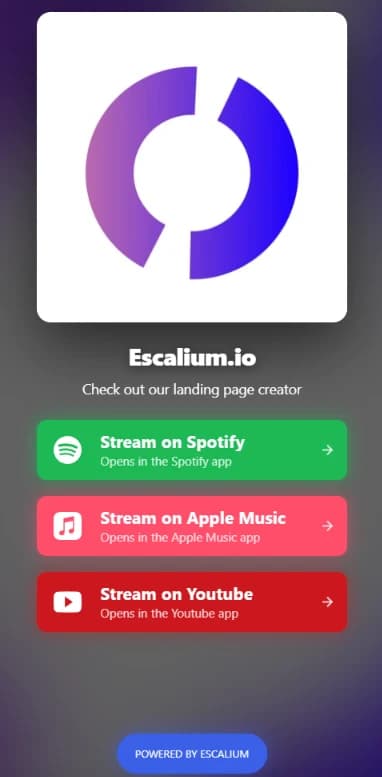
Retargeting
Ads for people who already saw you
Retargeting means showing an ad to people who already met your music. The second ad often costs less and works better than the first, because they know the song. Facebook lets you build these groups from your own ads, pages and smart link.
They watched your video
Who they are
People who watched a good part of your ad. You choose how much, for example half of it or three quarters.
What to show them
Another clip of the same song, or the full official video.
They interacted with your Page or Instagram
Who they are
People who liked, commented, saved, shared or sent you a message.
What to show them
The release itself, with a Listen now button.
They visited your smart link
Who they are
Everyone your Meta pixel recorded on the smart link.
What to show them
A different song, or a pre-save for the next one.
They went on to a platform
Who they are
People who tapped Spotify, Apple Music or YouTube (SpotifyClick, AppleMusicClick or YoutubeClick).
What to show them
Tour dates or merch. Leave them out of ads that ask them to listen again.
From any of these groups, Meta can build a lookalike audience: new people who look like the ones who listened.
FAQ
Facebook ads for music: questions answered
For many artists, yes. Above all when your fans are over 25, your music belongs to a scene or a city, or you have shows to sell. Facebook and Instagram share one ad system, so you can also run one campaign on both.
It depends on where your listeners are. Facebook tends to reach older, loyal and local fans. Instagram is better for people finding new music through Reels. Many artists run one Meta campaign on both and compare the results for each place.
Start with a small daily budget you don't mind losing. Run two or three videos for about a week. Then put more money behind the one that brings the cheapest visits or platform clicks. There's no right amount: prices change by country, genre and time of year.
Yes. Facebook ads run from a Page, so create an artist Page and connect it to an ad account in Meta Business. Escalium doesn't need access to it to make your videos and smart links.
Yes. Create the event on your Page, target the area around the venue and link the ad to the event or the ticket page. A short clip from a past show, with the date on screen, usually works better than a poster.
PageView and ViewContent when the page opens. Then one event when someone taps a platform: SpotifyClick, AppleMusicClick or YoutubeClick. You can turn any of them into a custom conversion in Events Manager. The pixel comes with the Creator plan and above.
No, not today. You run the campaign in Meta Ads Manager. Escalium gives you the videos in every shape, the smart link with your pixel, and the stats on visits and clicks per platform.
Start today
Turn Facebook clicks into real listeners
Export your ad in every Facebook shape and publish the smart link it sends people to. Start free. Add your Meta pixel with the Creator plan.
- Lyric videos and edits in 4:5, 9:16, 16:9 and 1:1
- Smart link with Spotify, Apple Music and YouTube
- Visits and clicks per platform
Free plan · No card needed